Getting Loop ERP

Click Thru Demos

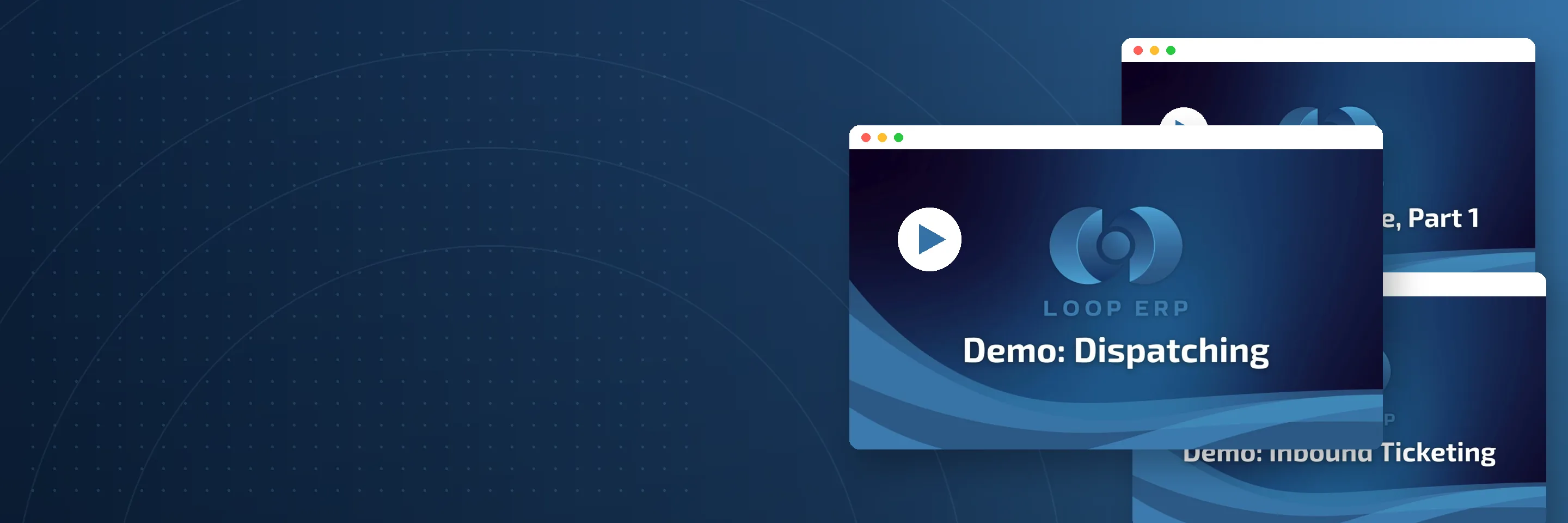
Explore the curated collection of click-thru demos below, each designed to showcase the powerful features and real-world functionality of Loop ERP. These pre-recorded, self-guided walkthroughs allow you to experience the platform in action

Book a Demo
img
icon

ERP Video Hub

Videos & Demos FAQs

Do I need to book a call to access Loop ERP's click-thru demos?
No. The click-thru demos are self-guided and available without a form. Book a call only when you want to see Loop ERP configured for your specific operation.

How long are the product videos?
Most run between two and five minutes. They focus on one workflow at a time so you can watch what matters and skip what doesn't.

Can I share these demos with my team?
Yes. All videos and click-thru demos are shareable. If you want a custom walkthrough for specific stakeholders in finance, operations, or IT, request a live demo through the contact page.

Most ERP demos start with a salesperson asking a lot of discovery questions before anyone sees the product. That's a reasonable process once you're serious, but it doesn't help when you're still deciding whether Loop ERP is worth a call in the first place. The Videos and Demos hub lets you see the system do real work on your own time. Short product videos walk through specific workflows like scale ticket entry, dispatch scheduling, driver mobile apps, provisional pricing, inventory regrading, and settlement processing. Click-thru demos let you navigate Loop ERP as if you were using it. No form, no login, no sales call required. These are built around workflows from actual scrap, recycling, aggregate, brokerage, and similar materials-based industry operations, not generic NetSuite demos retrofitted with recycling terminology. Watch what you need, skip what you don't. When you're ready to see how Loop ERP fits your specific operation, our team is one click away. Built by people who have lived the pain, Loop ERP is built for the job, and these videos show you exactly what that means before you spend time in a live meeting. Share links internally with your ops, finance, or IT stakeholders so everyone can see the same thing.

Product Overview Video
A short walkthrough of how Loop ERP connects dispatch, weighing, inventory, and finance in one NetSuite-powered system. Good starting point if you're evaluating the platform for the first time.

Click-Thru Demo: Core Workflows
Interactive, self-guided tour through the most-used workflows: inbound ticketing, dispatch, driver apps, grade changes, and settlement. No salesperson, no scheduling required.

Workflow-Specific Videos
Short, focused videos on individual modules including finance and settlements, hazardous materials compliance, real-time dashboards, mobile applications, quality control, and dispatch portals.

Industry Use Case Demos
Recorded walkthroughs tailored to scrap, recycling, aggregate, brokerage, and other materials-based verticals. See the system handle the specific ticketing, pricing, and compliance work each industry requires.

Blogs

Latest Insights

See All Blogs
icon

April 23, 2026

EPR Reporting for Scrap Recyclers: What Your ERP Needs to Handle in 2026

icon

April 13, 2026

What Is Scrap ERP? And Why Generic Systems Fail Scrap Metal Recyclers

icon

March 31, 2026

What Is a Circular Economy ERP? A Plain-English Guide for Scrap, Recycling, and Materials Businesses

See All Blogs