Finance & Settlements

Finance and Settlement Software for Circular Economy Operations

A supplier load comes in at one weight, gets docked for contamination, is regraded a week later, and the same supplier also buys material from you. Settling that by hand means pulling numbers from the scale, the yard, and the books, then hoping they agree. Returns, repair credits, and freight add more lines to reconcile.

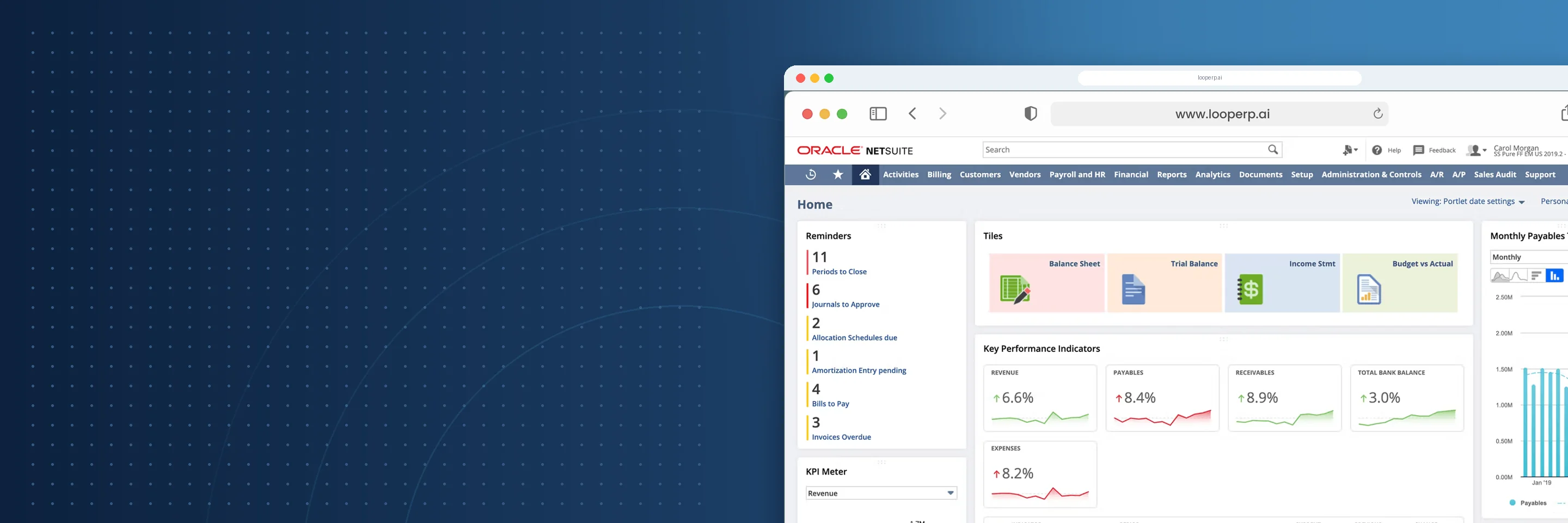
Loop ERP's Finance and Settlements module calculates settlements from the actual ticket data, including pricing, quality deductions, and freight, and posts them to the NetSuite general ledger as they happen.

What It Does
What is Settlement Automation in ERP?

Key Features

icon

Settlements for Returns, Repairs, and Offsets

Issue settlements for returned items, repair credits, refurbished replacements, and parts recovered from disassembly without rebuilding credits and rebills by hand.

icon

Condition-Based Valuation and Revaluation

Adjust inventory value when condition, grade, or marketability changes. A regrade moves value between items and keeps traceability back to the original ticket.

icon

Netting for Two-Way Trading Partners

When a partner is both your supplier and your customer, netting offsets what you owe against what they owe, so one balance gets paid instead of two.

icon

Multi-Party and Multi-Condition Billing

Build invoices and settlements that reflect how a load or unit actually moved, even when several parties touched it or its condition changed more than once.

icon

Credit Memo and Chargeback Automation

Issue credit memos, chargebacks, or restocking fees based on return reason codes, service level breaches, or damage assessments, using rules your team sets.

icon

Partner and Customer Settlement Portals

Give customers, suppliers, and partners access to billing history, credit status, and open disputes, so fewer status questions land on your back office.

icon

Audit Trails on Every Financial Change

Every credit, revaluation, offset, refund, and charge is logged with supporting documents, timestamps, and the user who made it, ready for auditors and partners.

icon

Posted Directly to the NetSuite GL

Loop ERP runs inside NetSuite, so tickets, settlements, and adjustments post to the general ledger and subledgers in real time with no sync or import step.

Finance Designed for Circular Commerce

Direct Integration

Finance Designed for Circular Commerce

Material in a circular operation changes hands, grades, and value more than once. Your finance team needs a system that supports:

  • Accounts and reporting set up for recovery, refurbishment, and reuse
  • Multi-entity and multi-currency operations
  • Inventory movement that reconciles with financial results
  • Settlements that trace back to the tickets behind them

Loop ERP keeps your settlements, your partners, and your ledger working from the same records.

Settle Faster With Numbers You Can Trust

Whether you settle hundreds of supplier loads a week, process customer returns, or revalue inventory after repair, Loop ERP gives you settlements tied to real tickets and posted in real time.

Schedule a Demo
Settle Faster With Numbers You Can Trust

Blogs

Latest Insights

See All Blogs
Year-End Physical Inventory: How to Get Your ERP Data Ready Before Count Day

October 21, 2026

Year-End Physical Inventory: How to Get Your ERP Data Ready Before Count Day

EPR Deadlines Are Coming: What Scrap and Recycling Operations Need to Report Before Year-End

October 15, 2026

EPR Deadlines Are Coming: What Scrap and Recycling Operations Need to Report Before Year-End

Weight Tickets, Cost Per Ton, and ERP: How Aggregate Producers Connect Operations to Finance

October 9, 2026

Weight Tickets, Cost Per Ton, and ERP: How Aggregate Producers Connect Operations to Finance

See All Blogs
Book a demo

Talk with Loop ERP

See how Loop ERP connects scale tickets, dispatch, inventory, settlements, and NetSuite financials in one system, with no exports, re-entry, or month-end reconciliation.

  • Your workflow, live. Walk a load from the scale ticket to the general ledger in NetSuite.
  • Industry experts. Talk with people who know scrap, recycling, aggregates, and brokerage.
  • A clear next step. Leave with a picture of what implementation looks like for your operation.

Request a demo

Share a few details and we'll set up a time that works for you.

Frequently Asked Questions

Everything you need to know about Loop ERP

Can Loop ERP handle large-scale operations?

icon

Yes. Loop ERP is built on NetSuite, the same platform used by enterprise operators, multi-site businesses, and high-volume processors. It handles multi-entity accounting, consolidated reporting across locations, high daily transaction volumes, and complex settlement structures without slowing down. If you are running one site today and five next year, you do not need to replatform to keep up.

How long does it take to implement Loop ERP?

icon

Implementation time varies, depending on the number of locations, material streams, and integrations involved (scales, cameras, payment processors, third-party logistics). The Loop ERP team handles data migration, workflow configuration, integration, and training in parallel, and we work directly with your operations leads, not just IT, so the system matches how your business actually runs on day one.

What support does Loop ERP offer?

icon

Loop ERP provides implementation support, training for operations and finance teams, and ongoing technical support after go-live. Clients get access to documentation, how-to guides, and direct consultation with our team for troubleshooting, configuration changes, and new workflow setup. Support is handled by people who understand the difference between a ticketing issue and a grading exception, not a generic help desk working from a script.

How secure is Loop ERP?

icon

Loop ERP runs on Oracle NetSuite, so your data lives inside enterprise cloud infrastructure with encryption in transit and at rest, role-based access, and audit logging on every transaction. Ticket edits, grade changes, and settlement adjustments all carry a user stamp and timestamp. If a record is overridden or reclassified, you can see who did it and when, which matters for disputes, audits, and internal controls.

How does Loop ERP calculate a supplier settlement?

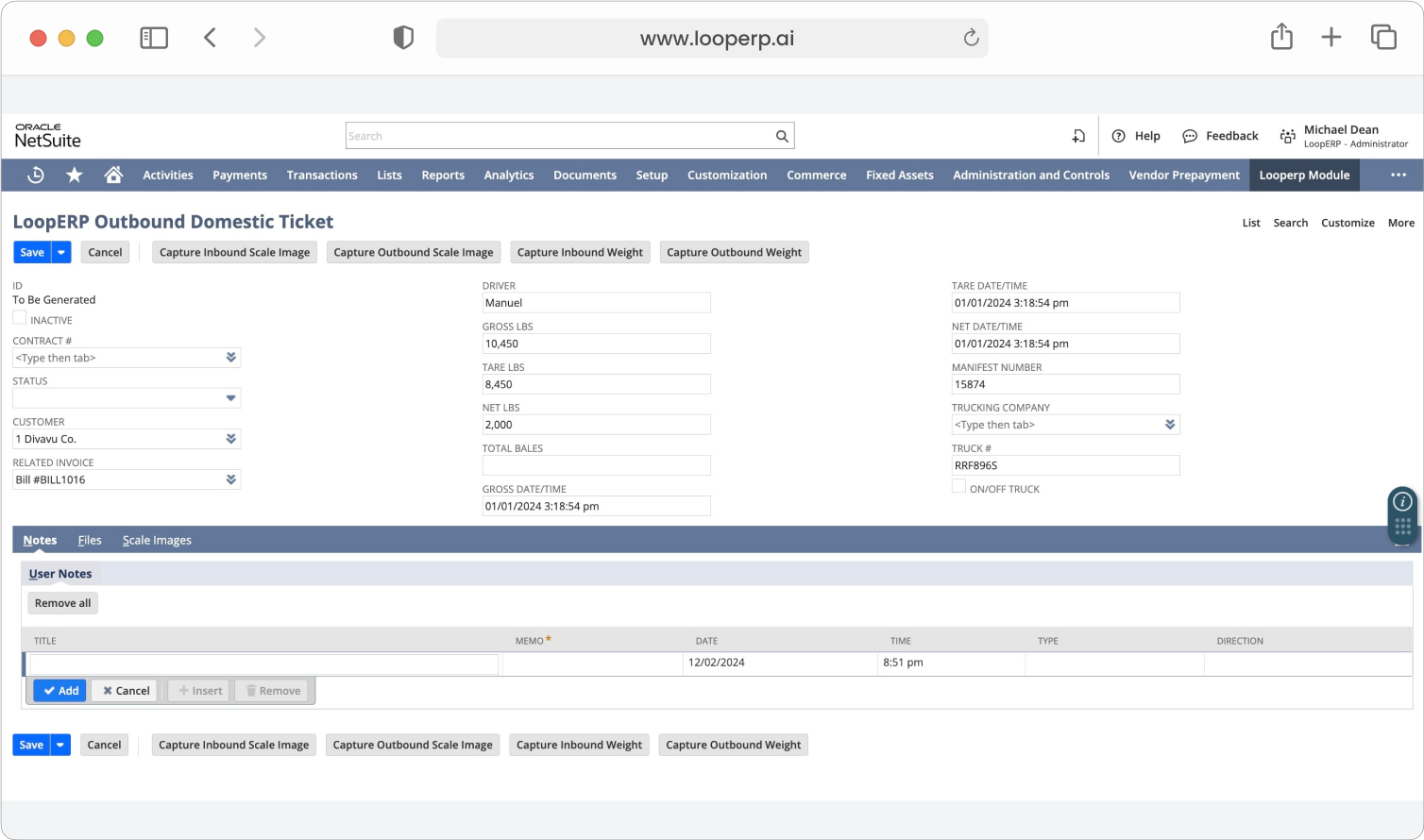
A settlement starts from the inbound ticket, which records gross, tare, and net weight, quality, and freight. Loop ERP applies the pricing from the purchase contract or purchase order, subtracts quality or contamination deductions, and accounts for freight. The result is the final amount owed to the supplier, with every line traceable back to the ticket and contract it came from.

Do settlements post to the general ledger automatically?

Yes. Loop ERP is built inside NetSuite, so settlements post to the general ledger in real time with no import or sync. On the inbound side, the item receipt records inventory against Inventory Received Not Billed until the vendor bill posts it to Accounts Payable. On the outbound side, fulfillment recognizes cost of goods sold and invoicing recognizes revenue and receivables.

What happens to the books when material is regraded?

A regrade reclassifies material from one grade or item to another when its quality or market value changes. It reallocates value between inventory items with no net GL impact, and it keeps traceability back to the original ticket. Settlements and margin reports then reflect the material as it actually is, rather than how it was first received.

Can Loop ERP handle partners who are both suppliers and customers?

Yes. When the same company sells you material and buys from you, the netting function offsets payables against receivables so you settle one balance instead of cutting a check in each direction. Each underlying settlement and invoice stays on record, so both sides can see exactly which transactions make up the net amount.